
The Best Ghost CMS Hosting 2026: Managed vs Self-Hosted Compared
Ghost is a sleek, lightning-fast, and modern alternative to WordPress that strips away the bulky plugins…

Ghost is a sleek, lightning-fast, and modern alternative to WordPress that strips away the bulky plugins…
If you have tested your WordPress site with PageSpeed Insights, you have probably seen the warning:…
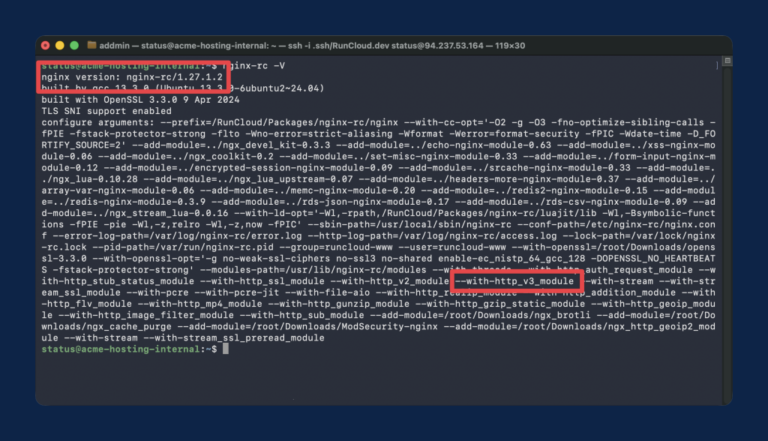
If you’re running NGINX on a modern server, you’re likely leaving performance on the table by…
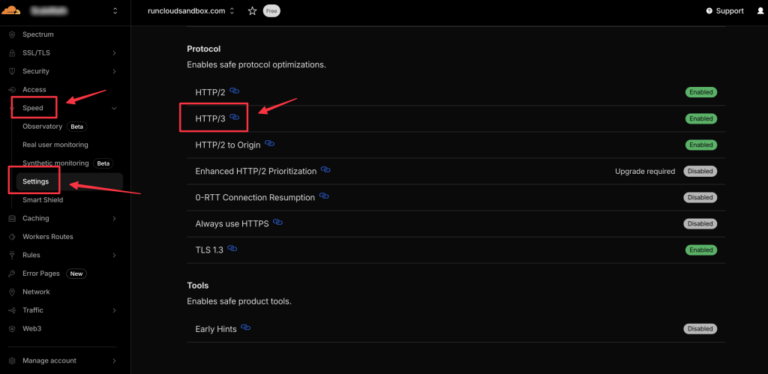
Most modern websites use the HTTP/2 protocol, which uses multiplexing to send multiple files over a…
Ampere processors with Arm architecture deliver superior power efficiency and cost advantages compared to traditional x86…
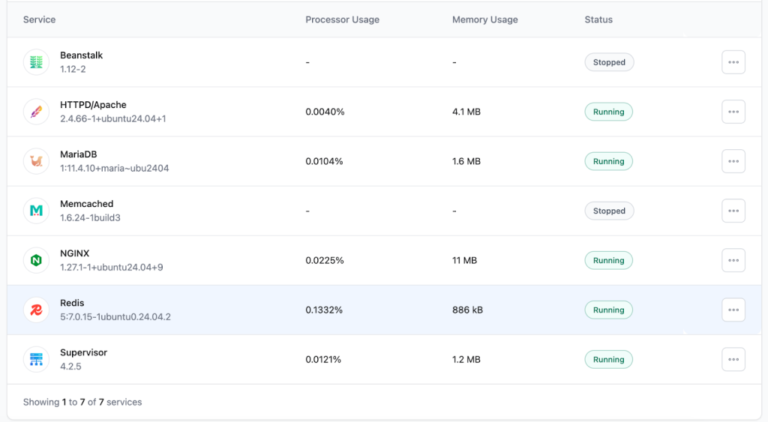
If your WordPress site feels sluggish despite having a great theme and high-quality hosting, the bottleneck…
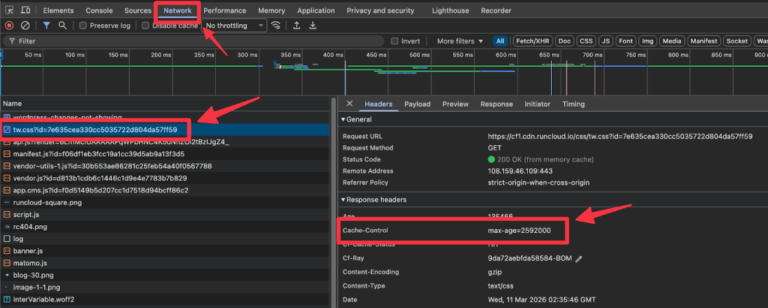
Is your WordPress site failing performance audits like Google PageSpeed Insights or GTmetrix? One of the…
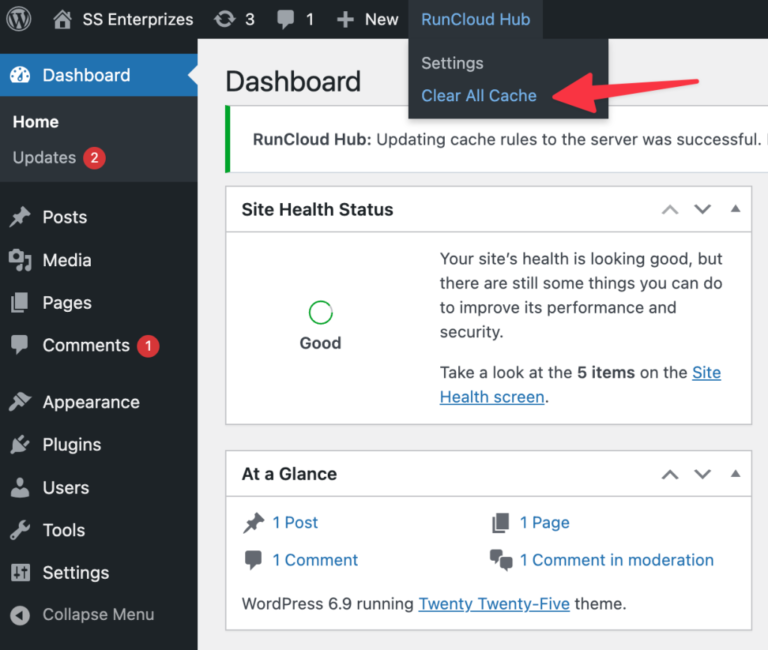
You publish an update, refresh the page, and nothing changes for your visitors. If your WordPress…
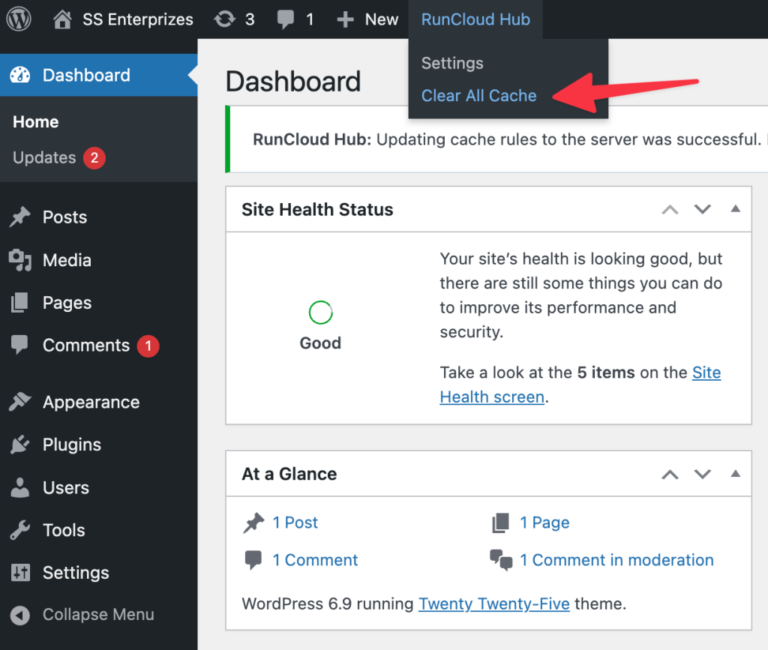
You publish an update, refresh the page, and nothing changes for your visitors. If your WordPress…
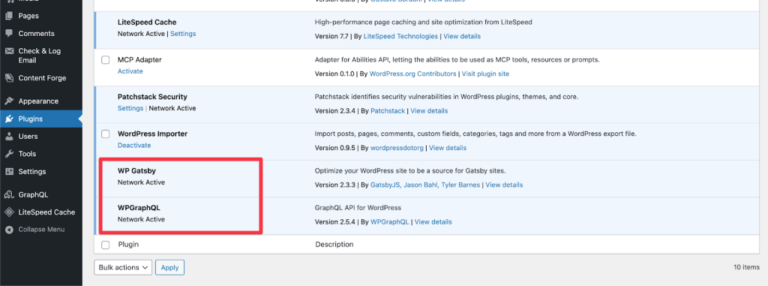
There is a pervasive myth in the web development community: “WordPress is for novices. Real developers…

Are you seeing the “This site can’t be reached” error on your site? This error is…

We are happy to bring One-Click phpMyAdmin feature in RunCloud for you. Using this new feature,…
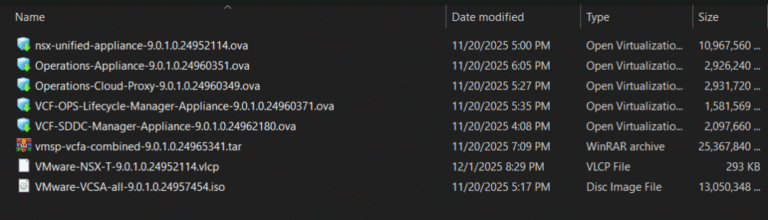
Before deploying VCF, you should download the required binaries to the VCF installer appliance. This can…
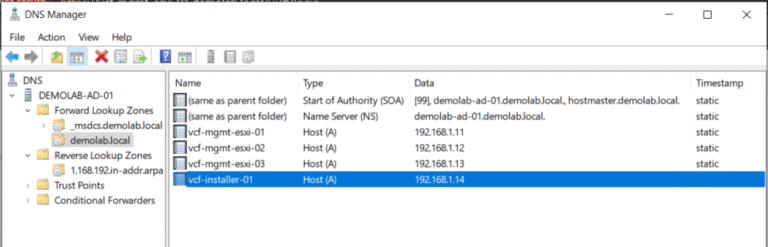
This is part 2 of a series of blog posts where I will walk you through…
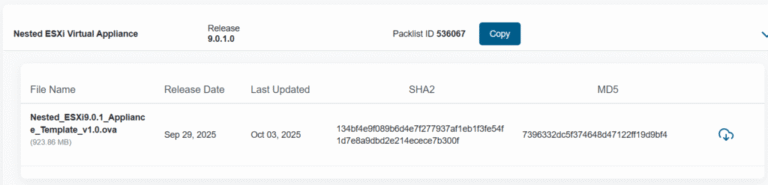
This is part 1 of a series of blog posts where I will walk you through…